01
LOCAL SEARCH
Remember the gist, find the post
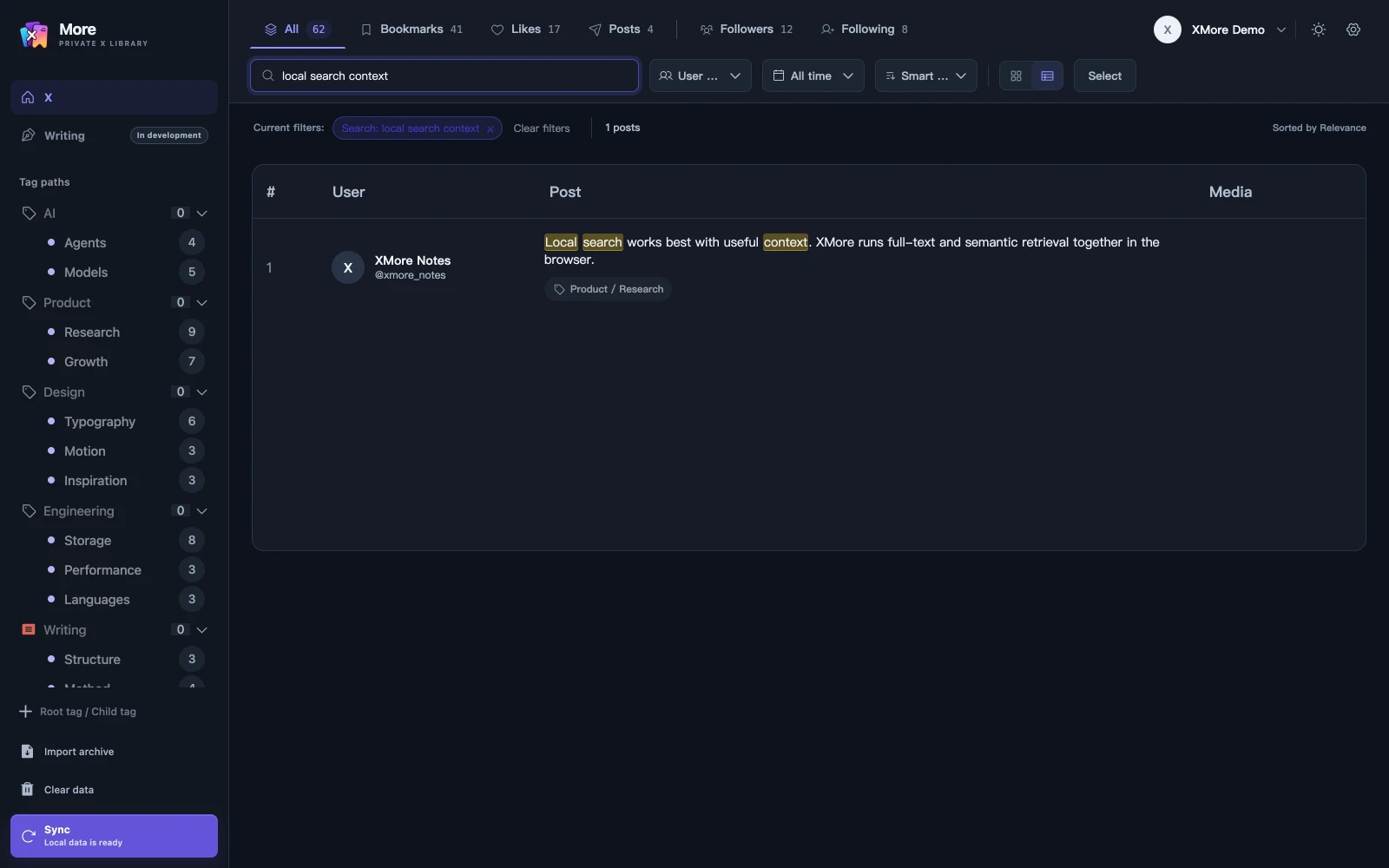
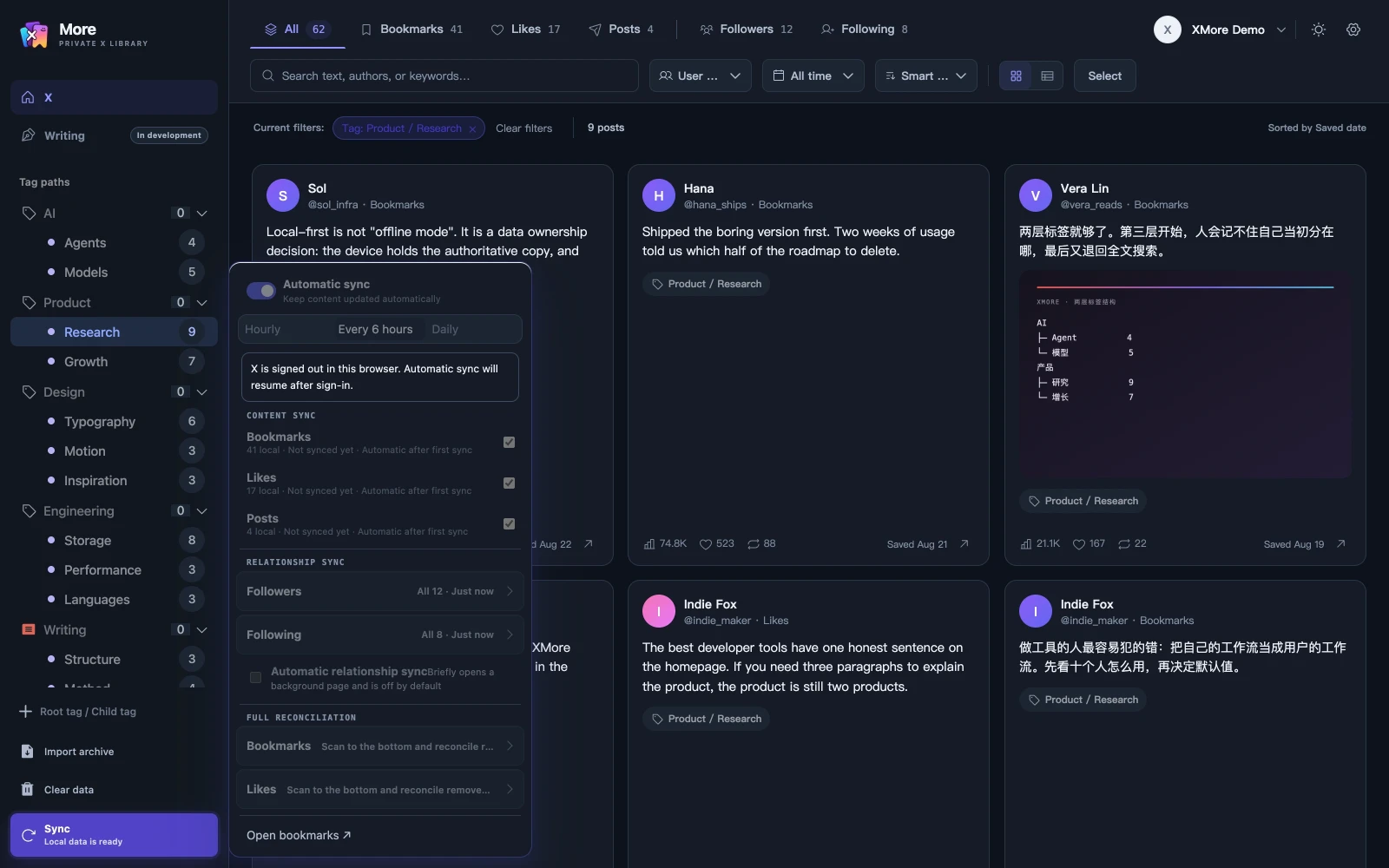
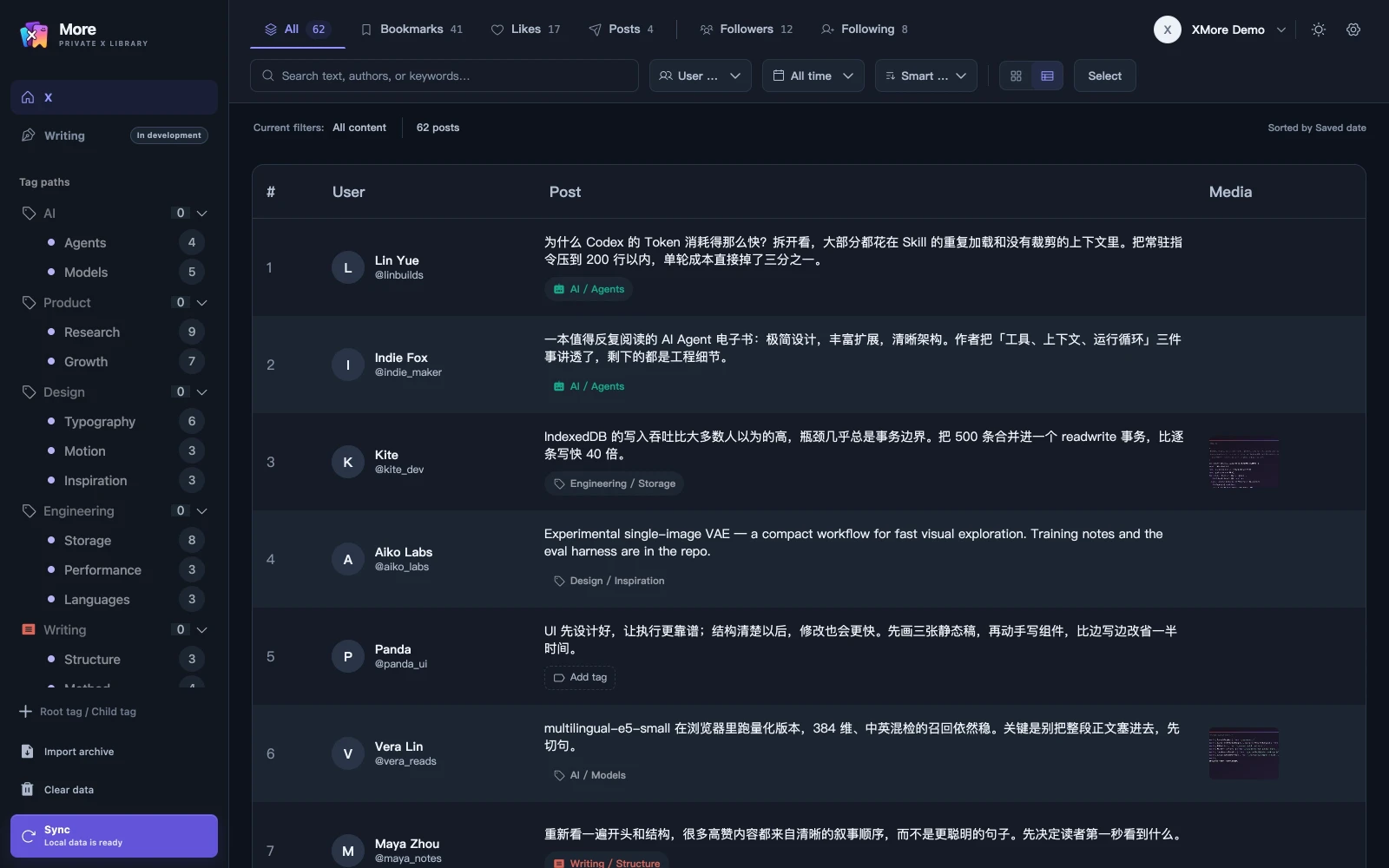
Full-text and multilingual semantic search run inside your browser. Remember the gist and find the original.
 morePRIVATE X LIBRARY
Turn bookmarks, likes and your own posts into a local library with full-text search, semantic search and two levels of tags.
Public install: the Chrome Web Store entry is open
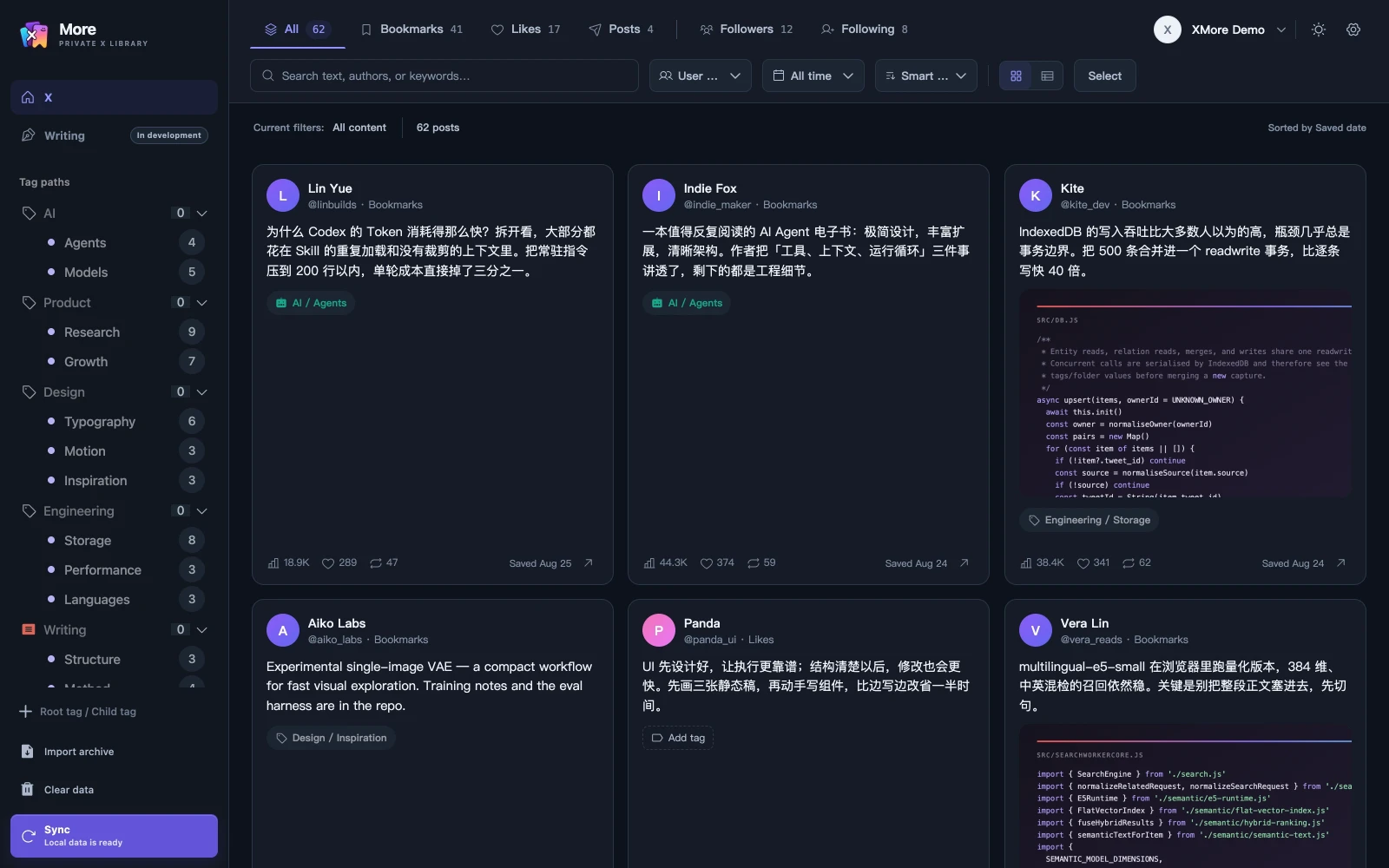
Saving is easy. Finding it again is the hard part. XMore turns your bookmarks, likes and posts into a local library you can search on this device after XMore verifies your account access.
Full-text and semantic search run locally. Account and subscription services use the cloud. Optional AI sends required content through the Companion to your chosen model service when enabled.
Three jobs, brought into one local library.
Full-text and multilingual semantic search run inside your browser. Remember the gist and find the original.
Organize with root and child tags, then switch between cards, masonry and a data table.
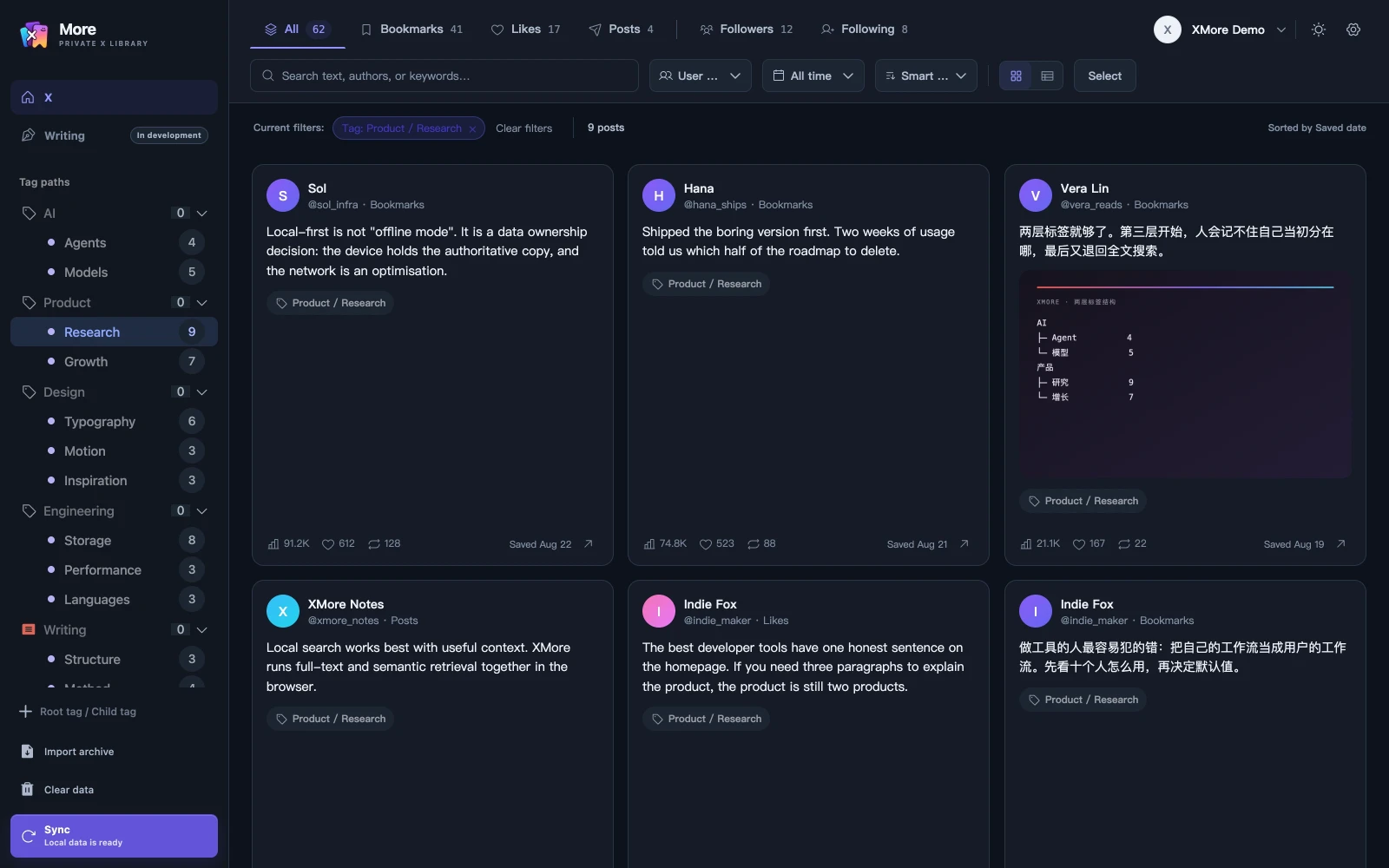
Sync followers and following for the current account, then filter by name, bio, verification and account numbers.
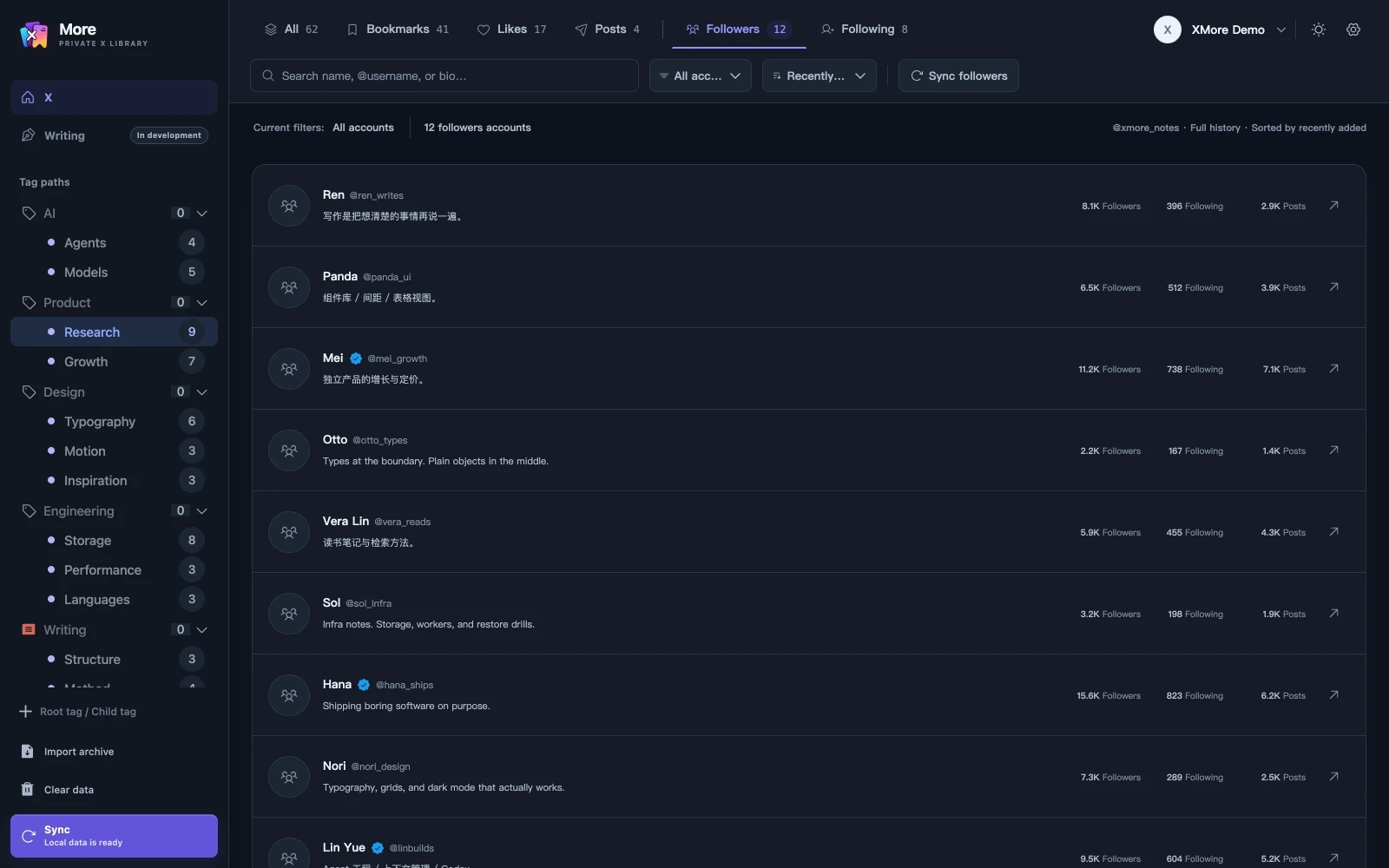
Posts, relationship lists, queries and semantic vectors stay on the device.
Choose text, accounts, dates, language, engagement and media filters. XMore builds the query live and submits it to X.
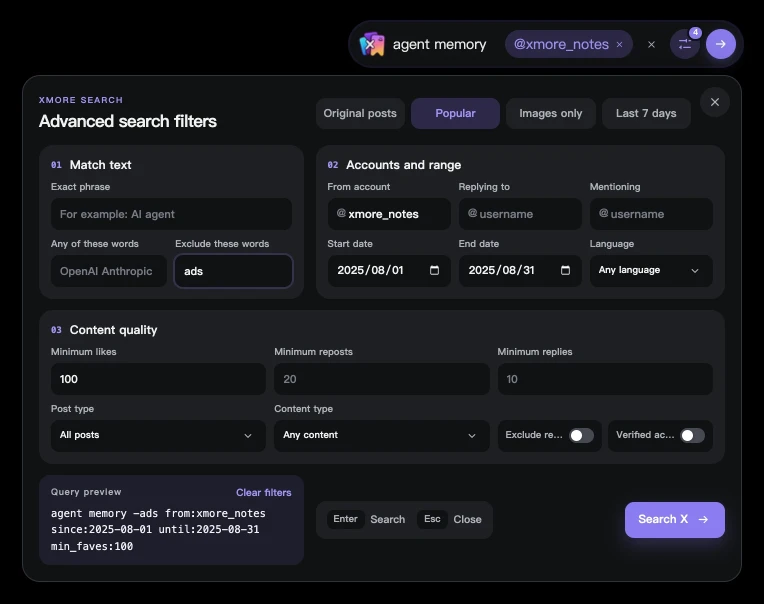
On a profile, it can scope to that account. Enter searches; Esc closes.
Sign in and enable it in settings. Turn it off to restore X’s original search box.
Select 1–20 library items and start an X, Xiaohongshu or WeChat article draft. Editing, autosave, preview and export stay in this browser.
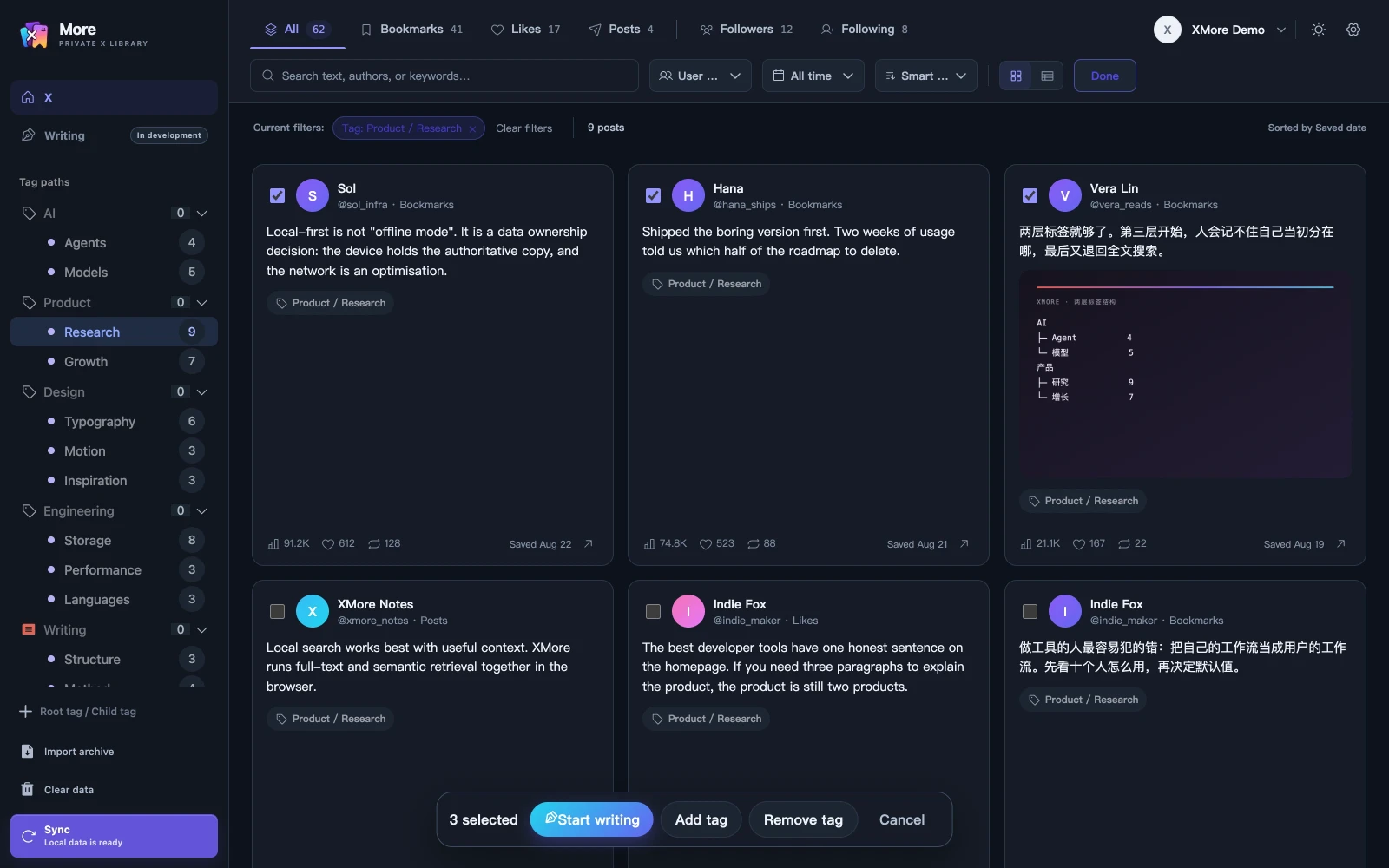
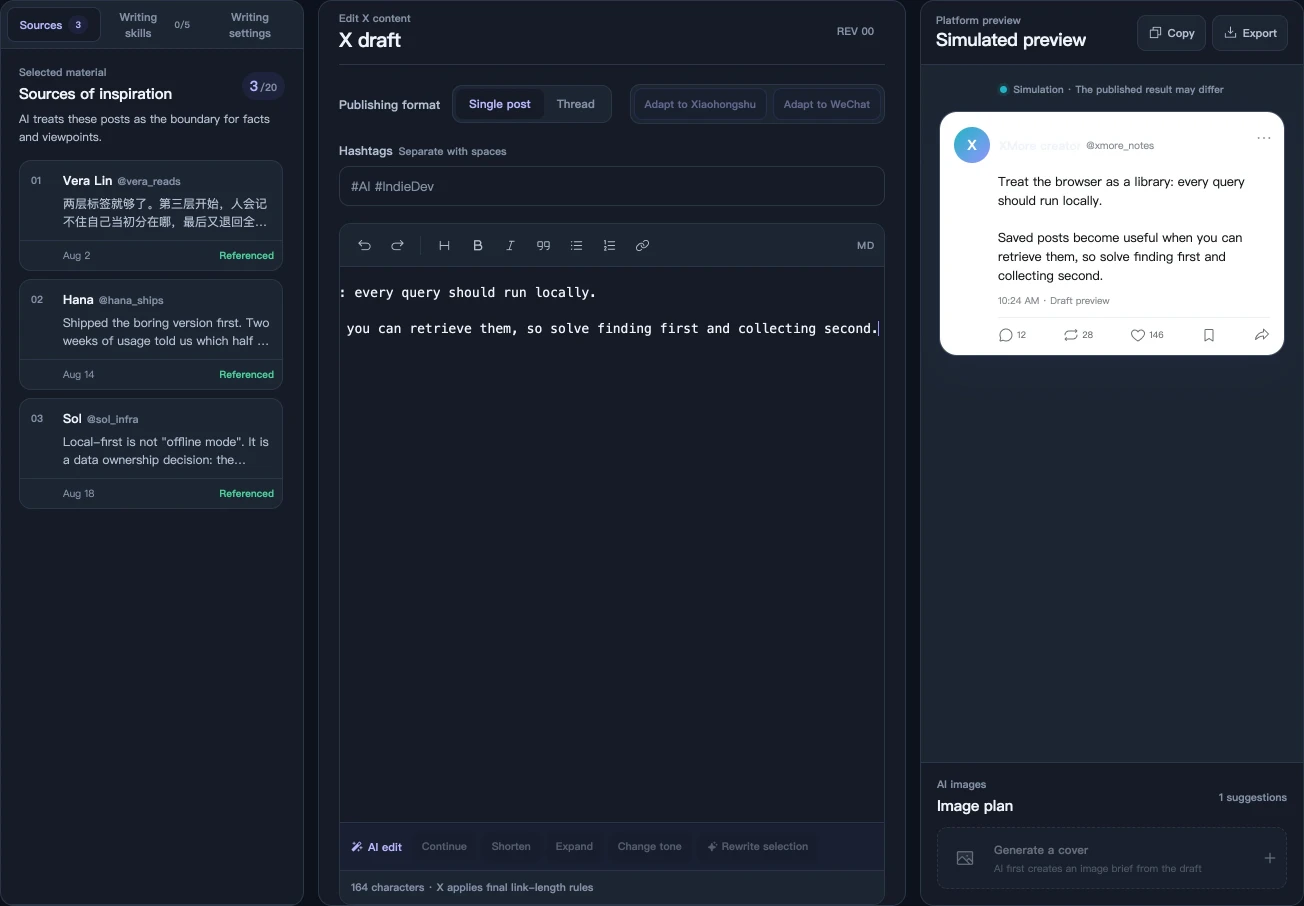
AI generation, rewriting and images require the macOS Companion and a signed-in Codex account.
XMore checks the current account before sync.
Sync bookmarks, likes or your own posts.
Filter by text, meaning, author, time and tag.
Sync requests go straight to X. Posts, relationship lists, queries and semantic vectors stay on this device.
XMoreLocal libraryPublic install and trial/subscription access are marked separately.
Public install is open; trial and subscription access is still being prepared.
An XMore account is required. Add a payment method to start the 7-day full-feature trial; unless cancelled, the selected plan renews automatically on day 8.
Posts, relationship lists, queries, full-text indexes and semantic vectors stay in this browser. The XMore API handles sign-in, device sessions, subscriptions and bound-account details.
XMore covers bookmarks, likes, your own posts, and follower and following caches. Multiple X accounts are isolated and open their own library when selected.
AI is off by default. When enabled, the Companion sends inputs needed for tag suggestions and writing to the selected model service. Local editing, saving, preview and export work without AI.
Chrome 120 is the current minimum. You can reach the Chrome Web Store listing straight from the install entry on this page.
An XMore account is required. Add a payment method to start a 7-day full-feature trial; unless cancelled, the $2 monthly or $16 yearly plan renews automatically on day 8. Cancel in Stripe or submit a refund request through the contact page. Trial and subscription access is not open yet.
Explore bookmark search, likes search and local privacy in English. Guides marked Chinese open in Chinese.
Get old saves back with keywords, local semantics, author and time filters.
02 · ARCHIVERequest your personal data archive from X, then import the ZIP or the archive data files.
中文03 · LIKESSync and search your own likes so what you liked becomes usable again.
04 · KNOWLEDGEBring bookmarks, likes and your own posts into one library inside the browser.
中文05 · PRIVACYUnderstand the data path of the local library, the cloud account and the optional agent.
06 · COMPAREChoose by real capability: local search, cloud backup, export and anonymous viewing.
中文morePRIVATE X LIBRARYInstall from the Chrome Web Store, then sync your bookmarks, likes and posts.
Add XMore to Chrome